Weather
Display weather forecasts and conditions directly in your launcher.
What is the Weather Widget?
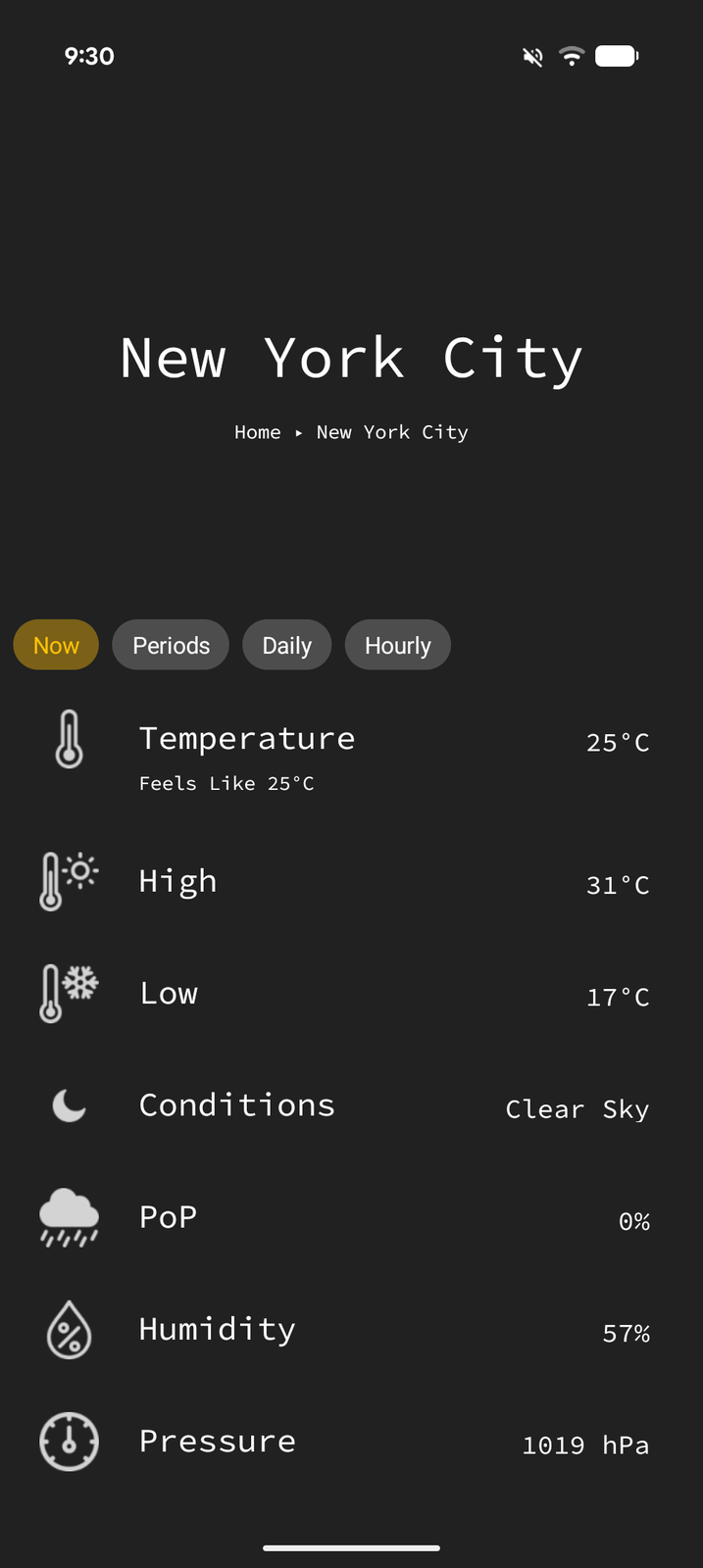
The Weather widget is a Pro feature that displays weather forecasts and current conditions directly in Tree Launcher. You can add weather to a page as an item or display it in your home header.
Adding a Weather Widget
- Enter Edit Mode and tap +
- Select Weather from the item type menu
- Pick a location — search for a place, or use your current location
- The weather widget is added to your page
Each weather item remembers its own location, so you can add widgets for several places.
Weather Settings
Configure weather preferences in Settings → Home Screen → Weather:
Units
Choose Metric or Imperial for temperature and other measurements.
Weather on Home Header
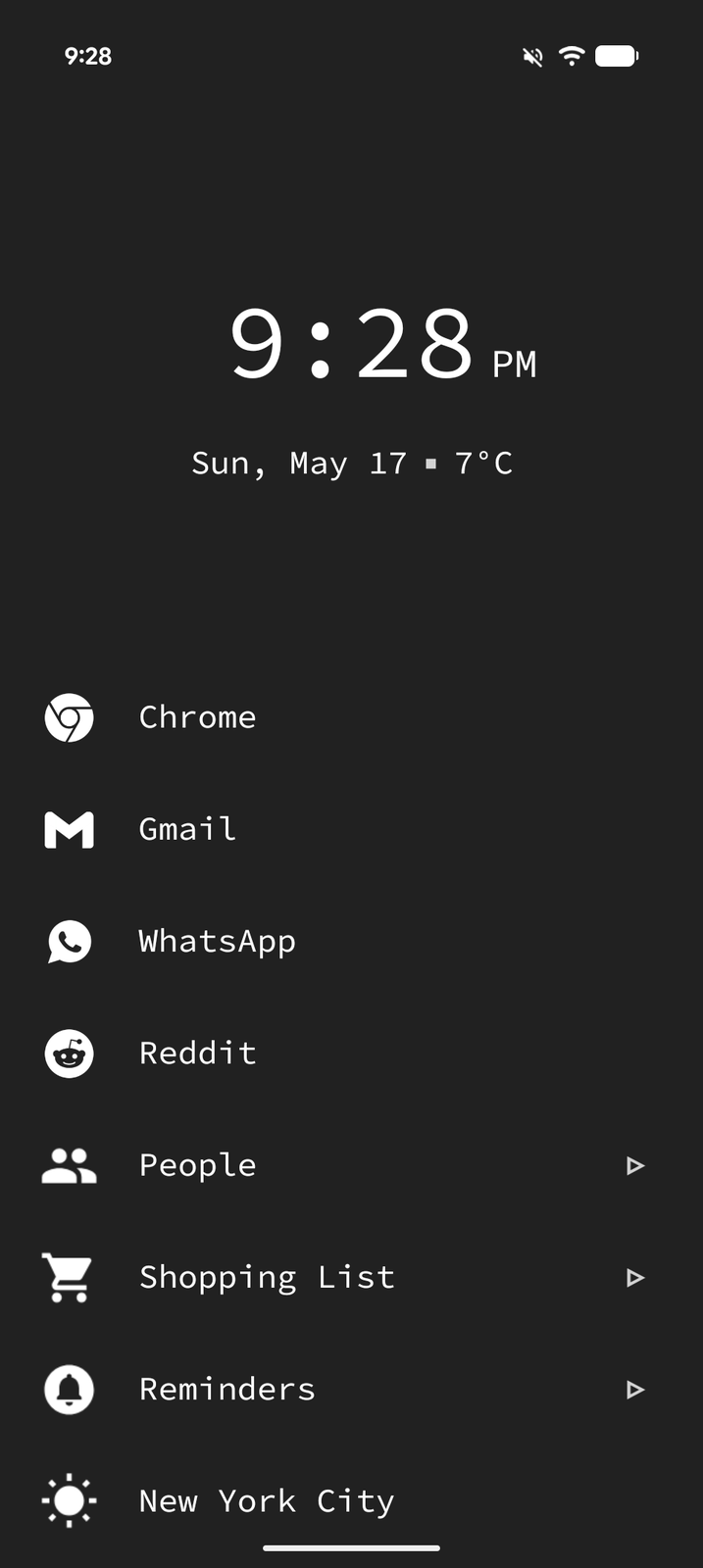
Display current weather information directly in the home page header alongside the clock:
- Go to Settings → Home Screen → Weather → Home Weather
- Turn on Show weather on home
- Tap Set location to choose the place the header reports on
- Weather conditions appear in your home header area
This applies to the default clock & weather header only, not the widget-stack header.
Weather Display
The weather widget shows:
- Current temperature and conditions
- Weather icon representing current conditions
- Forecast information