Search & Tags
Find anything with hierarchical search, organize with tags, pin important items, and use the inbox.
Search
Tree Launcher's search works across your entire hierarchy — it finds items no matter how deeply nested they are.
Using Search
- Tap the Search icon in the top toolbar
- Type your search query
- Results appear instantly, showing matches from all pages
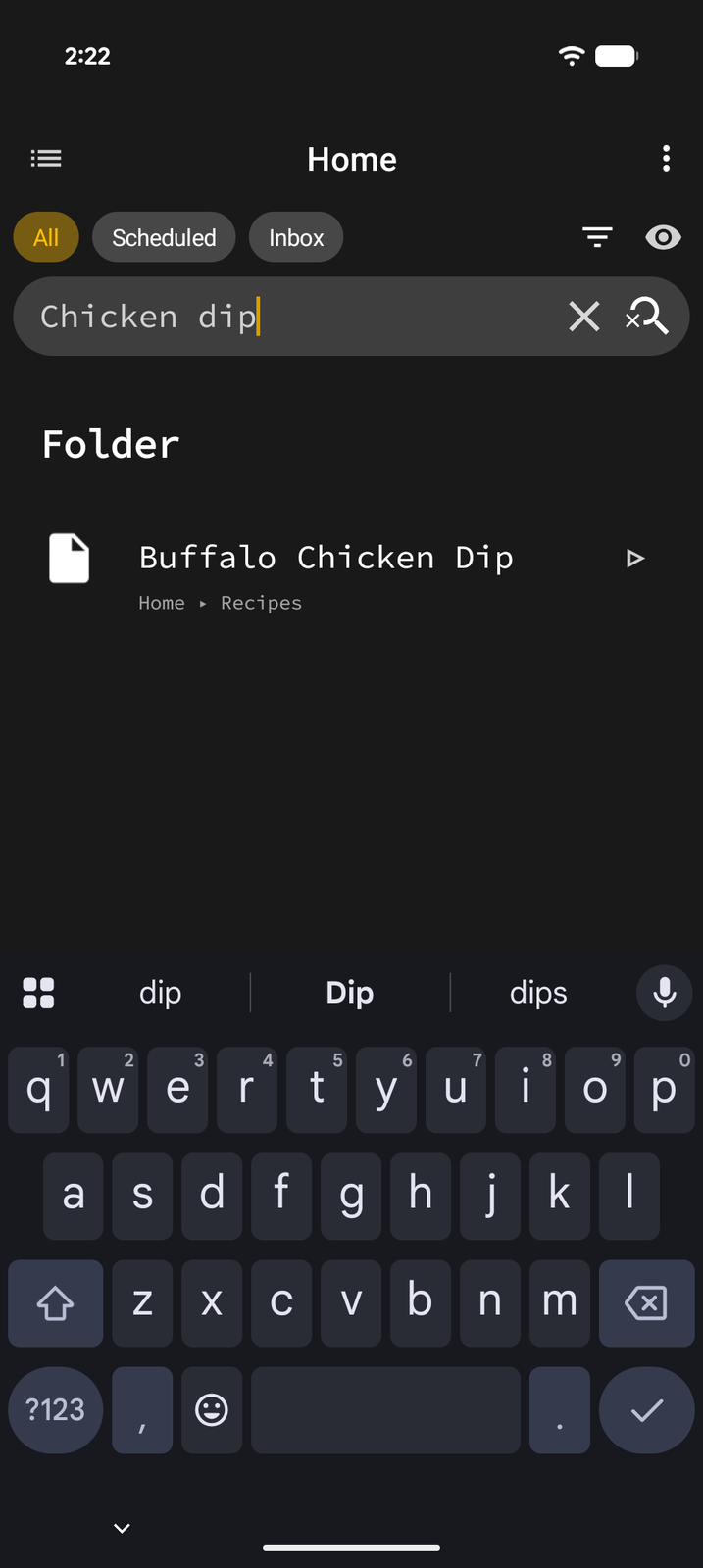
Search looks through item names, text content, and page titles across your full tree structure.
Tags
Tags let you categorize and filter items across your entire hierarchy, regardless of where they live in your page tree.
Tag names can't contain spaces and are matched case-insensitively.
Adding Tags
- Focus an item in Edit Mode
- Tap Properties in the edit bar
- Open the Tags row — for text items it's in the editor's … options sheet (or tap the
#tagsline under the text); for apps, contacts, and headings it's an action in the properties sheet - Add existing tags or create new ones
Filtering by Tag
There are two ways to see everything with a given tag:
- Search — type
#tagin the search bar (for example#urgent, or#work reportto combine a tag with text). Typing#suggests your existing tags. - Tag views — each page can show a view per tag. Open the page's View config sheet and enable the tags you want under Tags; the view then lists every tagged item within that page's subtree. Enable it on Home to cover your whole tree.
This is powerful for cross-cutting views like "all urgent items" or "all work tasks."
Pinned Items
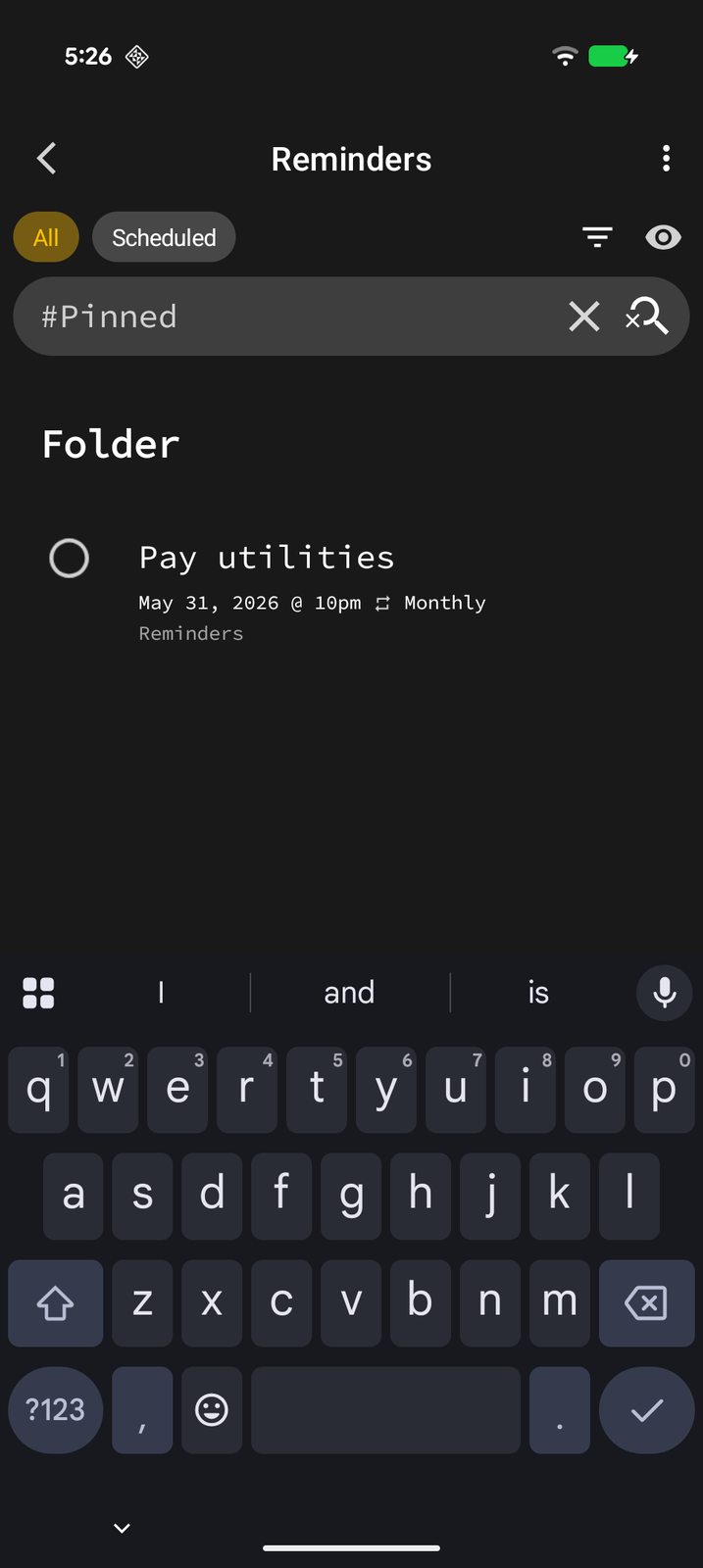
Pin important items for quick access. Pinned items appear in a dedicated Pinned view.
Pinning an Item
- Focus the item in Edit Mode
- Tap More (...) on the edit bar (or open the item's Properties)
- Toggle Pin
Viewing Pinned Items
The Pinned view is off by default. On any page, open the View config sheet and enable Pinned under Tags; the view then lists every pinned item within that page's subtree. Enable it on Home to see all pinned items across your hierarchy in one place.
Inbox
The Inbox is built for quick capture. Add items to your inbox now and organize them later, when you have time.
The Inbox is a view on your Home page. Content you share into Tree Launcher from other apps lands there by default, and anything you add while the Inbox view is open goes there too.
Using the Inbox
- Add items to the inbox for quick capture — share from another app, or switch Home to the Inbox view and add items there
- Later, review your inbox
- Move items to their proper place in your tree structure
This is great for capturing thoughts, links, or tasks on the go without worrying about where they belong right away.
Recycle Bin
When you delete notes, headings, links, images, and pages, they go to the Recycle Bin and can be recovered for 30 days before permanent removal. Apps, contacts, dividers, widget pages, and shortcuts (including system shortcuts) are deleted permanently rather than recycled.
Recovering Items
- Open the Recycle Bin (available from Settings or via a Pointer item)
- Find the item you want to restore
- Select it and choose Restore
- Choose which page to restore it to
After 30 days, items in the Recycle Bin are automatically and permanently deleted.